


Product Guides & Tutorials
Organization-Level Reports and Team KPIs
📊 Learn how to use All Quiet's organization-level reports to compare teams based on incidents, MTTR, MTTA, and on-call load. Spot where support or coaching is needed.

By Peer Rahne · Co-Founder & CEO at All Quiet

Reviewed by Maximilian Beller · Co-Founder & CTO at All Quiet
Updated: Tuesday, March 3, 2026
Published: Tuesday, March 3, 2026
TL;DR
- Use the org-level report to compare teams by incident volume, MTTA, MTTR, and on-call load in one place.
- Use it to spot teams that have too many incidents or slow response times and may need extra support or better tooling.
- When a team shows both high incident counts and high MTTA / MTTR, that’s your signal to step in, understand what’s behind it, and help them fix upstream problems.
Organization-Level Reports: See How Your Teams Are Doing
When you run multiple teams, it’s hard to get a clean, honest view of how they are doing on incidents. All Quiet’s new organization-level reports give you a single place to compare incident volume, response speed, and on-call load across teams.
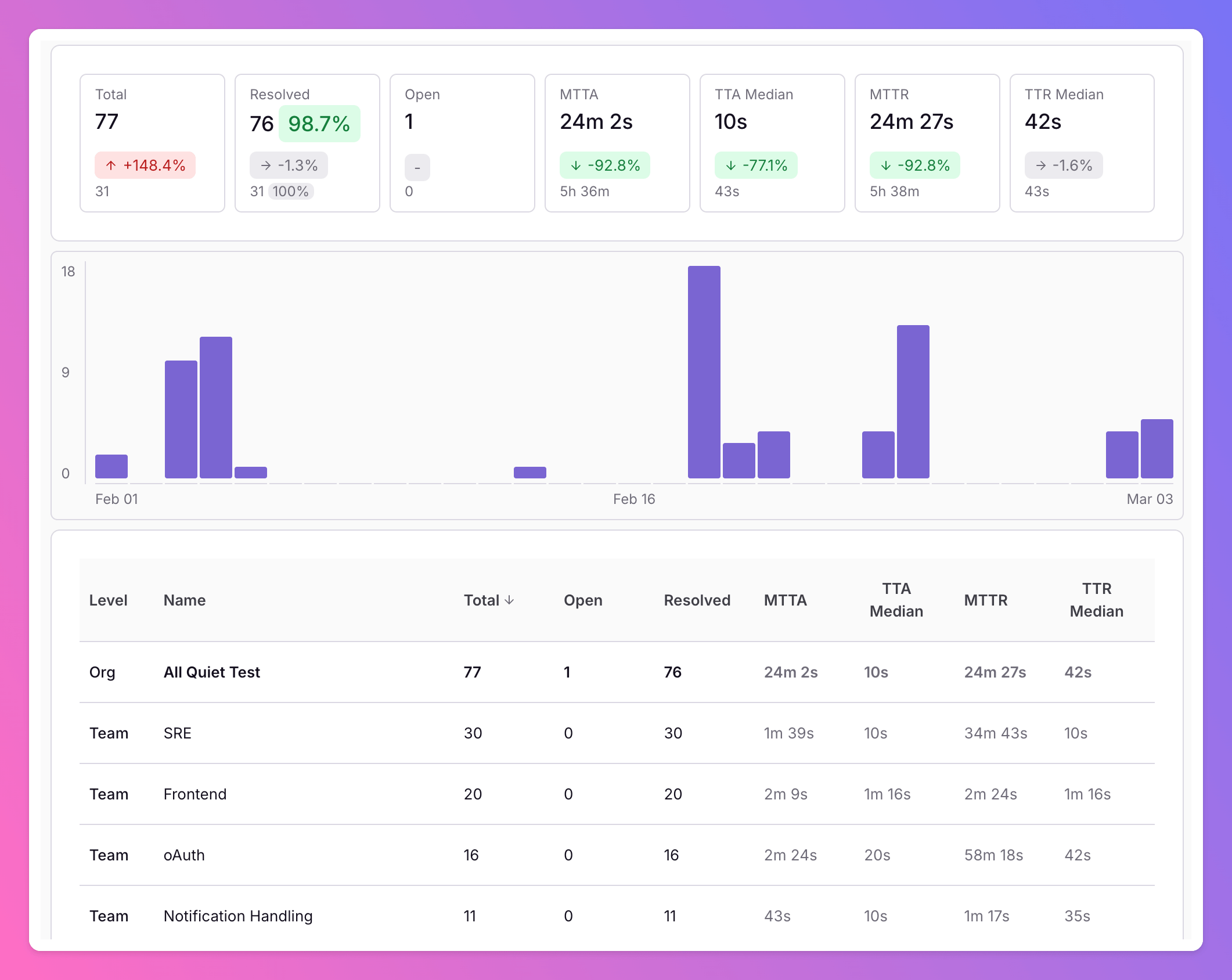
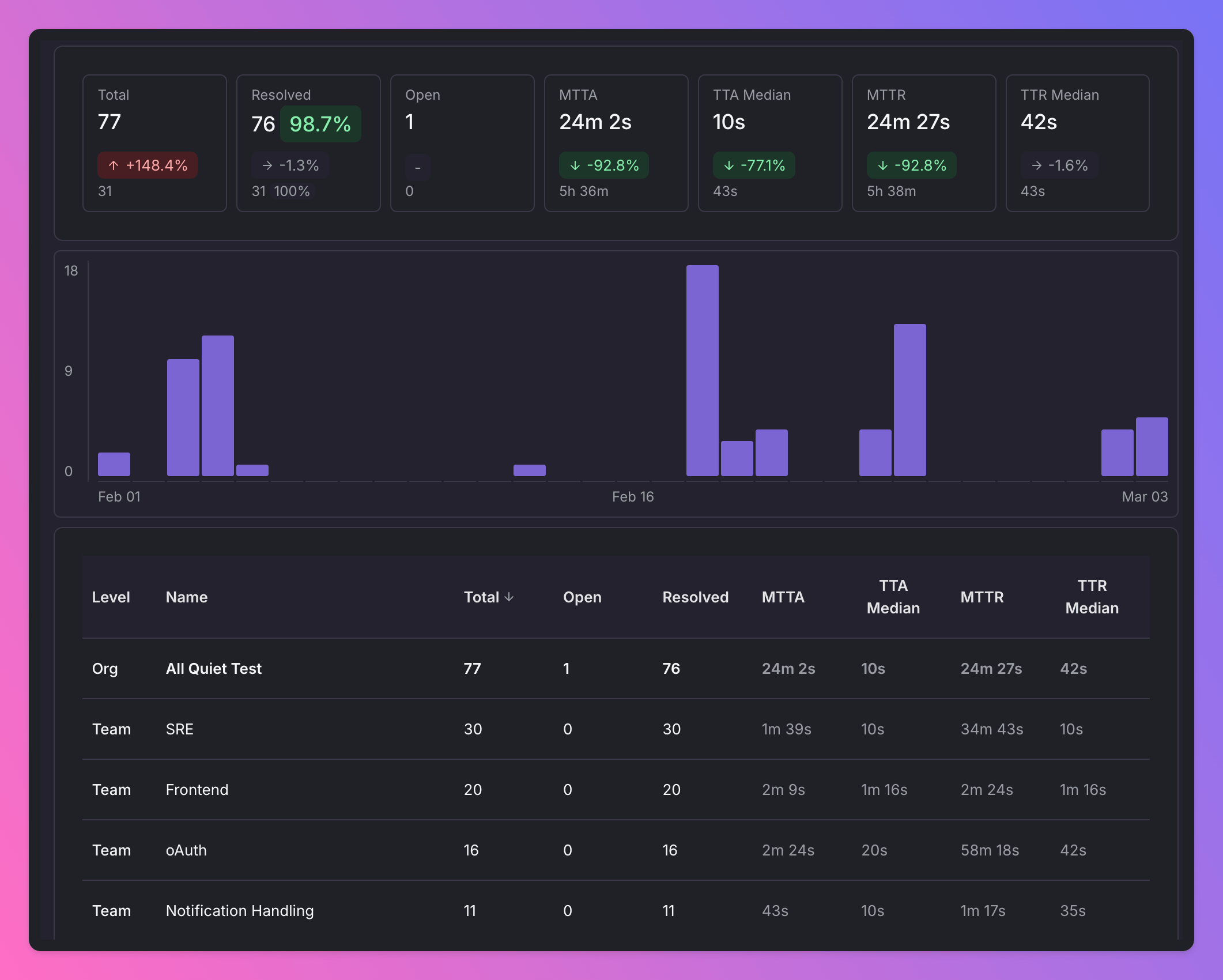
Instead of guessing who is “doing well”, you get clear KPIs like incident count, resolution percentage, Mean Time to Acknowledge (MTTA), and Mean Time to Resolve (MTTR) per team. This helps you spot where support is needed, before burnout or outages hit — and implementing robust incident management software ensures that engineering teams act on those signals before they become outages.
The Core KPIs You’ll See
Organization-level reports roll up the same metrics your teams know from their incident dashboards, just aggregating them across the whole org.
- Incidents per Team: How many incidents each team has handled in a given period (e.g., last 7 / 30 / 90 days). This shows where most of the noise and risk lives.
- MTTA (Mean Time to Acknowledge): How fast teams react when something breaks. Long MTTA often points to unclear ownership or missing notifications.
- MTTR (Mean Time to Resolve): How quickly incidents are actually fixed. High MTTR might indicate complex systems, missing runbooks, or too many handovers.
This is where the report becomes really actionable: you are no longer looking at a single incident in isolation, but at patterns over weeks and months.
From Numbers to Insight: Interpreting the Reports
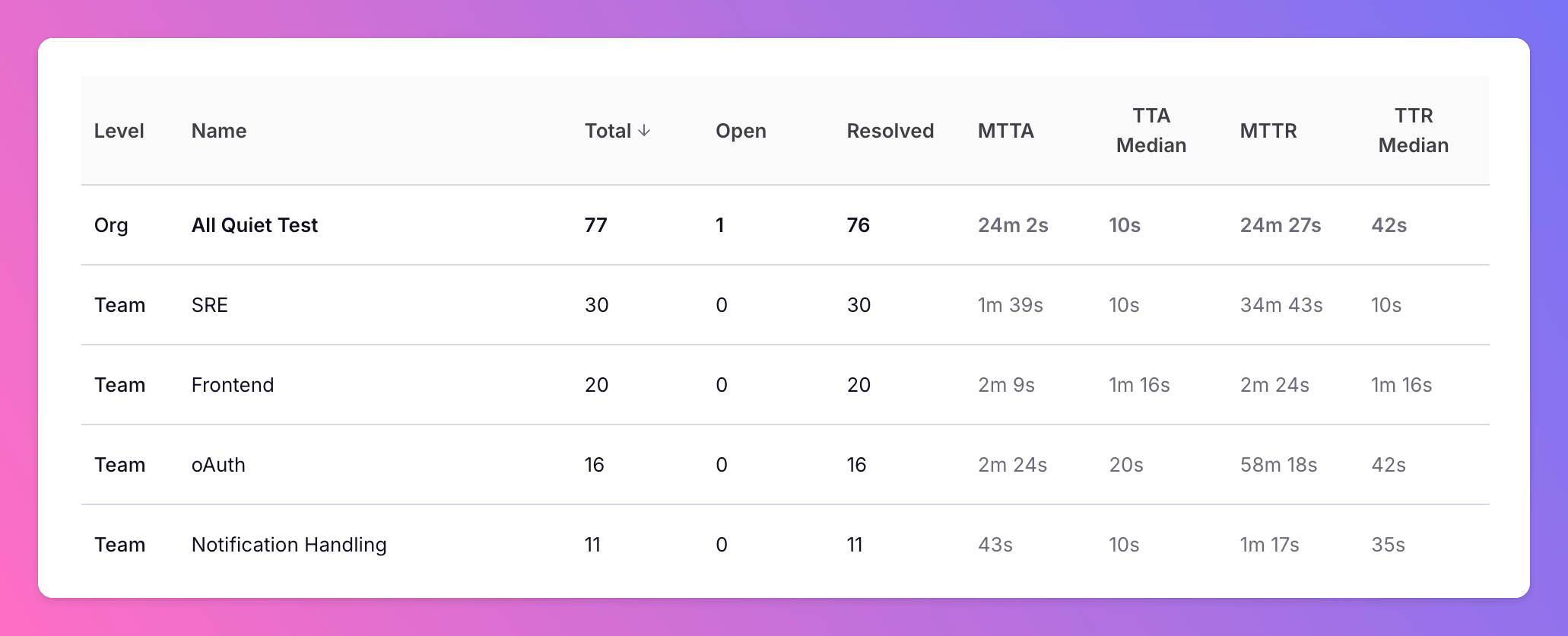
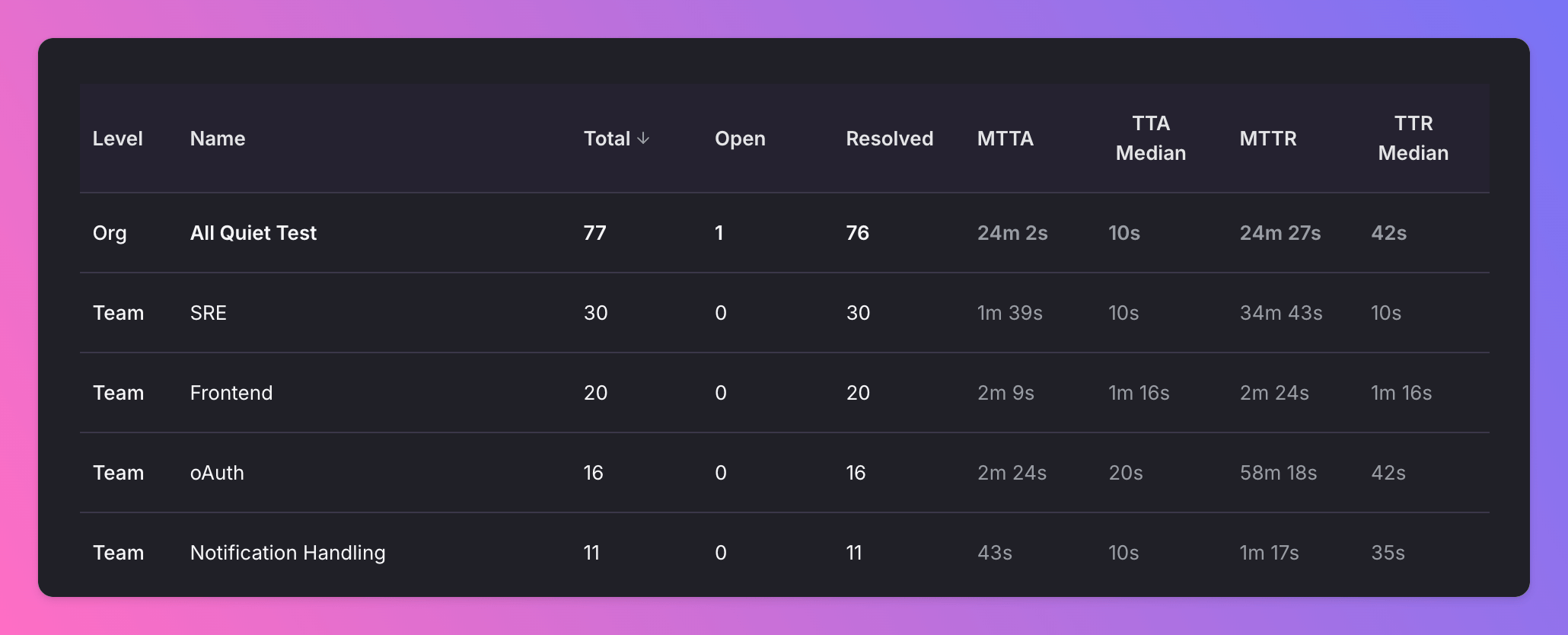
When you scan the dashboard, you’ll naturally start to see outliers:
- A team with few incidents but very high MTTA may have notification gaps or unclear ownership. Incidents sit unacknowledged for too long.
- A team with many incidents but low MTTR might own a critical, high-change service, but they are handling issues quickly.
- A team with lots of nighttime or weekend incidents likely feels the pain more than the rest of the org, even if their metrics look “average”.
This is where the “soft” takeaway matters. If the report shows:
“Hey, that team has a lot of incidents and relatively high MTTA and MTTR.”
…then they may need help.
- Do they own a fragile or legacy system that needs more platform support?
- Do they have enough people in their on-call rotation, or are the same two engineers always getting paged?
- Are runbooks, playbooks, or automations missing for their most common incidents?
Comparing Teams in a Fair Way
At All Quiet, we think organization-level reporting is great to help teams learn from each other. Here are some tips to keep in mind:
- Normalize by context: Treat a platform team with hundreds of incidents per month differently than a small feature team with a single service. Also, look at the incident severity and type to understand the context.
- Look at trends, not snapshots: A high MTTR during a migration is very different from a consistently high MTTR over six months.
- Combine quantitative and qualitative information: Use the numbers to start conversations in post-incident reviews and team health checks.
- Reward improvements: Celebrate teams that systematically bring down MTTA / MTTR or reduce noisy incidents by fixing upstream issues.
This will help you create a shared tool for continuous improvement, not a scoreboard.
Typical Actions You Can Take Based on the Report
Once you spot patterns, put them into concrete actions:
- High MTTA across the board? Revisit notification channels (Slack vs. Mobile Apps), escalation rules, and on-call schedules.
- One team with consistently higher MTTR? Pair them with a platform / SRE team to prioritize automation, better observability, and runbooks.
- A spike in incidents for a single service? Trigger a focused review: is there a recent deployment, architecture change, or integration that correlates with the spike?
- Uneven on-call load? Adjust rotations or redistribute service ownership so that no team becomes the permanent “catch-all” bucket.
From Data to a Healthy Engineering Org
Organization-level reports in All Quiet help you to have honest, constructive talks with your teams and improve reliability.
Regularly reviewing these KPIs with your leads will allow you to start to see patterns: overloaded teams, under-supported services, and structural problems that would otherwise only surface as burnout, turnover, or major outages.
Author
Co-Founder & CEO at All Quiet
Product leader focused on B2B SaaS platforms; writes about on-call experience, payload mapping, and how teams ship reliable incident workflows.
Reviewer
Co-Founder & CTO at All Quiet
Engineering leader building incident management systems focused on reliability, clear escalation, and sustainable on-call operations for production teams.
Recommended posts
-
Product Guides & Tutorials Peer Rahne
How to Connect Your First Observability Tool with All Quiet | Step-by-Step Tutorial
Step-by-step video tutorial for connecting your first observability tool with All Quiet via inbound integrations and webhooks.
-

Grafana IRM Nikolas Köppl
Beyond Basic Schedules: Enterprise Grade Scalability with bootstrapped Total Cost of Ownership
🌍 Learn how All Quiet supports follow-the-sun schedules, attribute-based routing, and automated workflows so SRE teams get enterprise-grade reliability without enterprise bloat.
Read all blog posts and learn about what's happening at All Quiet.
Published