

New Integration: GitLab Two-Way Sync for Incident Management
We updated our GitLab integration to support flexible workflows between your code and your on-call alerts. You can now sync GitLab work items and All Quiet incidents in three ways.
Published: Thursday, 16 April 2026
We updated our GitLab integration to support flexible workflows between your code and your on-call alerts. You can now sync GitLab work items and All Quiet incidents in three ways.
Integration Options
| Mode | Function | Best For |
|---|---|---|
| Outbound | All Quiet creates and updates GitLab work items automatically. | Engineering teams tracking incidents as tickets. |
| Inbound | GitLab work items trigger or resolve All Quiet incidents. | Developers who prefer starting workflows in GitLab. |
| Two-Way Sync | Real-time synchronization between both platforms. | Hybrid teams using multiple observability tools. |
How it Works
- Outbound (All Quiet to GitLab): All Quiet creates a GitLab work item when you forward an incident automatically, manually or via specific routing rules. The system updates the GitLab ticket as the incident status changes.
- Inbound (GitLab to All Quiet): New GitLab work items trigger All Quiet incidents based on your criteria. You can also configure GitLab to resolve or reopen incidents.
- Two-Way Sync: This mode keeps both platforms identical. It ensures your team sees the same data whether they work in GitLab or the All Quiet app.
Why this matters
This update reduces manual work and prevents data silos. By linking GitLab work items directly to our incident management system, your workflows are automized and information is automatically handled in sync across both systems.
Here’s how to set it up: https://docs.allquiet.app/integrations/outbound/gitlab
More updates
-
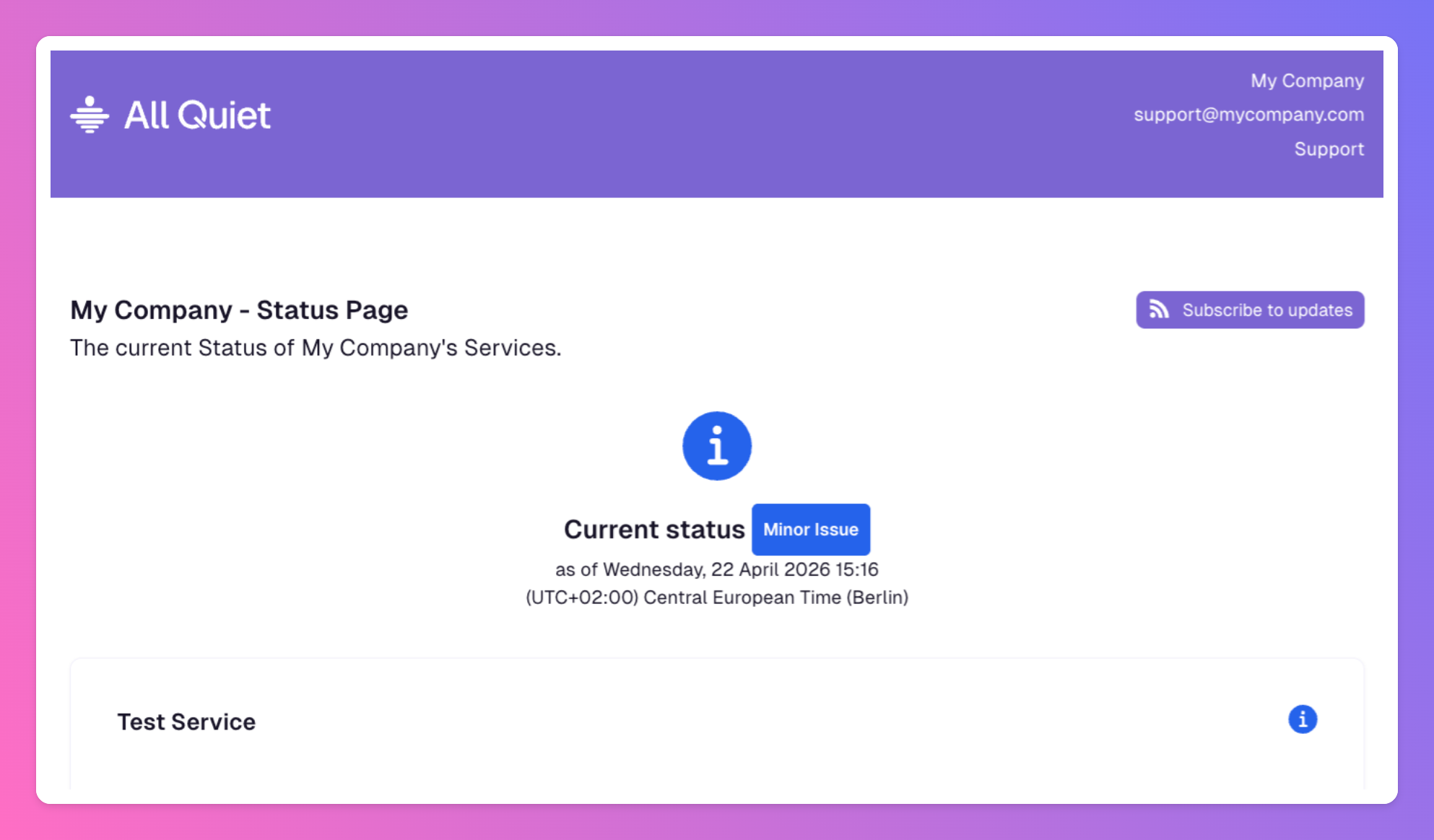
Additional New Privacy Controls for Status Pages
We updated All Quiet to give you precise control over your incident communication. You can now customize how much data your status pages reveal to the public or internal stakeholders.
-
New at All Quiet: ServiceNow Integrations for ITSM
All Quiet now integrates with ServiceNow to automate your incident response. These integrations allow data to flow in both directions between All Quiet and ServiceNow.
Published