

📆 New: Export & Subscribe to Your Team’s On-Call Calendar
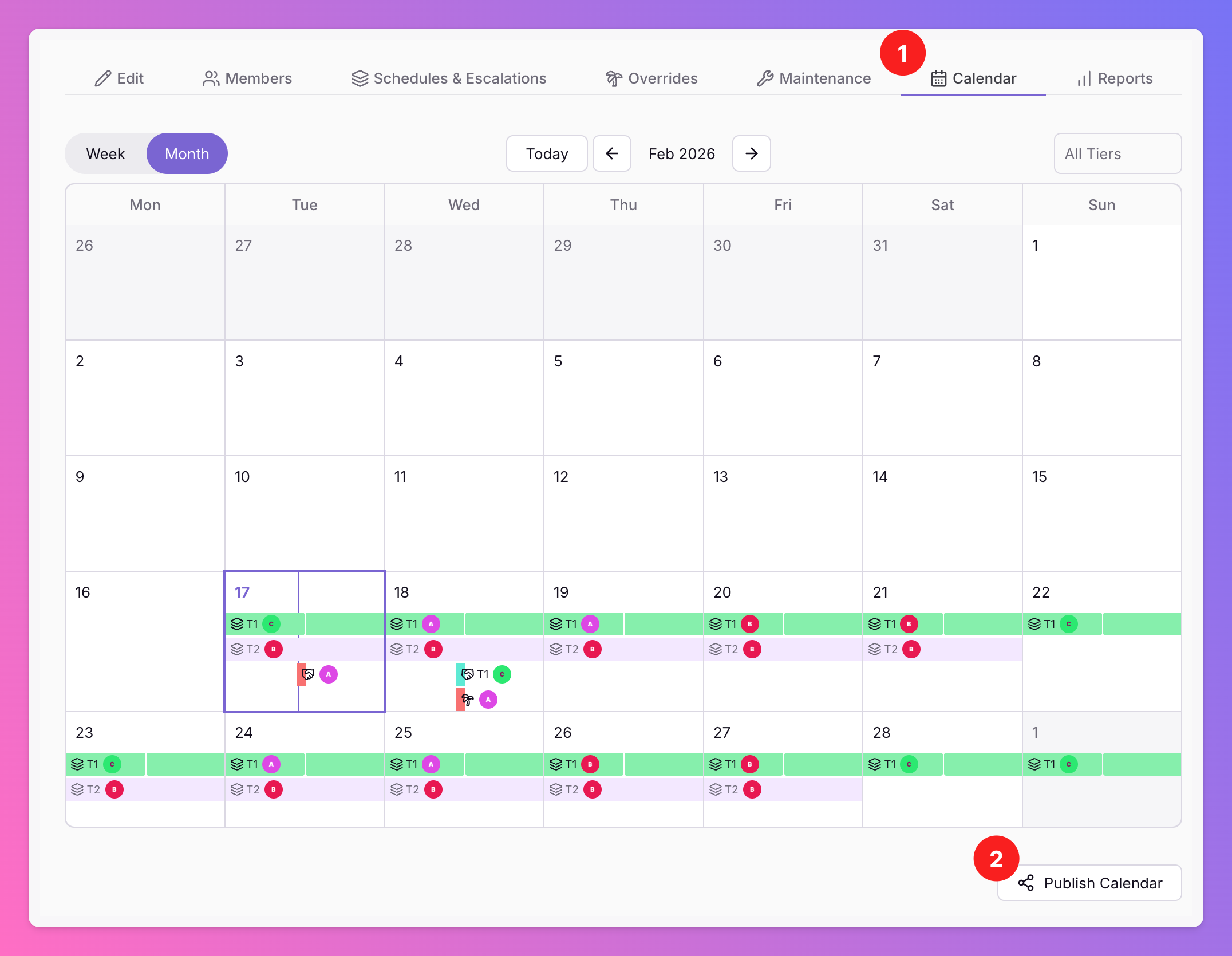
Want to view your team’s on-call schedule in your personal Google, Apple, or Outlook calendar ? Or share a live view with management for better visibility?
Published: Wednesday, 18 February 2026
Want to view your team’s on-call schedule in your personal Google, Apple, or Outlook calendar? Or share a live view with management for better visibility?
You can now subscribe to your team’s All Quiet on-call calendar from anywhere using a unique .ics subscription link. 🎉
Just like personal on-call calendar subscriptions, your team calendar can now be:
Synced to your private calendar
Shared with stakeholders
Embedded into existing scheduling workflows
Accessed across any calendar app that supports ICS
Once subscribed, updates happen automatically — so everyone always sees the latest schedule.
🔐 Who can use this?
This feature is available to:
Team Administrators
Organization Administrators
Organization Owners
⚙️ How it works
Simply generate a unique .ics link for your team calendar and subscribe to it in your preferred calendar application.
That’s it — instant, always up-to-date team visibility wherever you need it.
Learn where to find the new feature in our documentation.
More updates
-
🚨 New: Create Incidents via API
Pro and Enterprise customers can now create incidents directly through the Public All Quiet API.
-
✨ Improvement: Custom Accepted Status Codes for HTTP Monitor
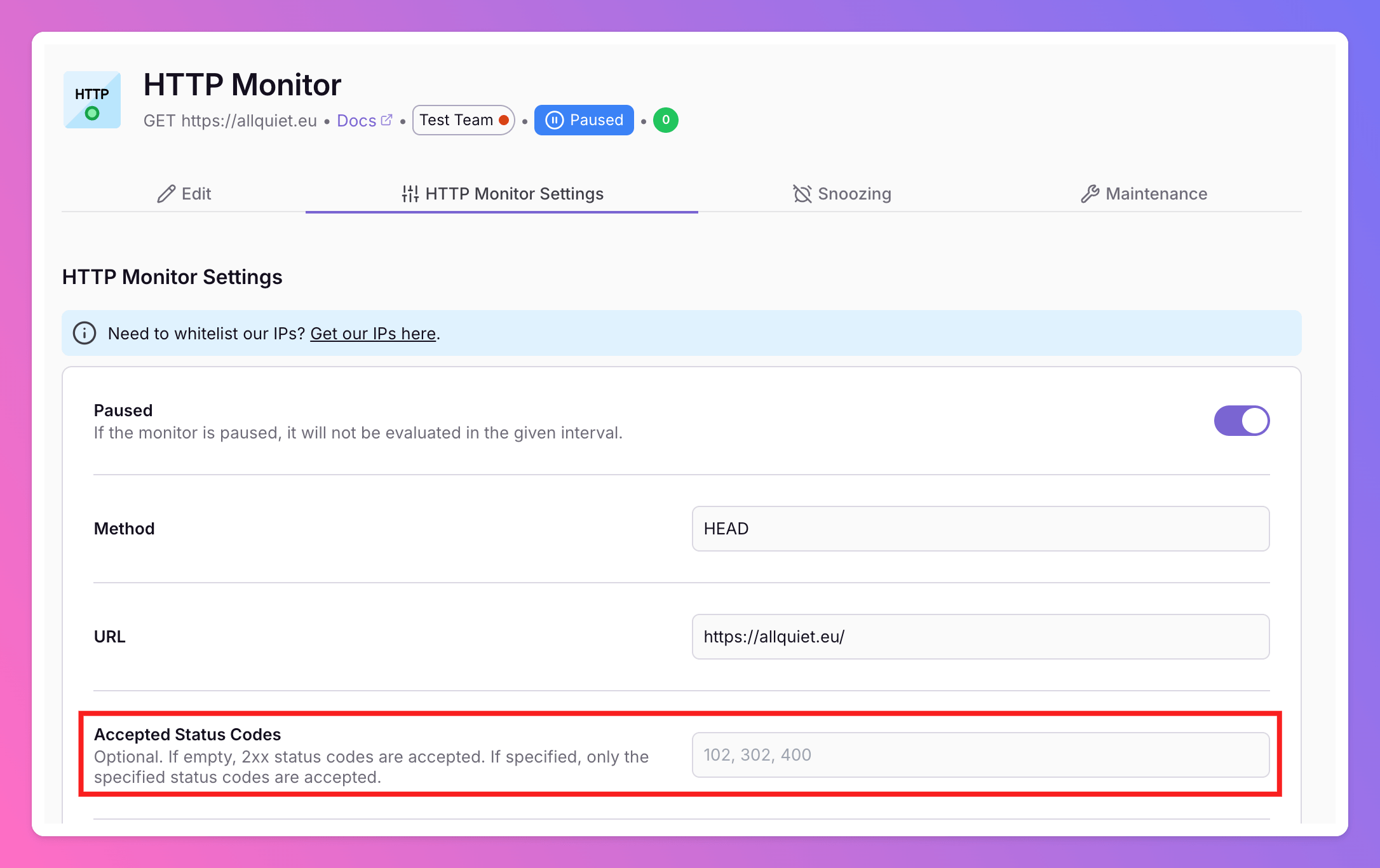
We’ve enhanced our HTTP Monitor to give you more control over what counts as “up.” You can now define the exact HTTP status codes that should be considered successful for your uptime checks.
Published