

PRTG Network Monitor Integration
Ever had a critical network outage where your monitoring system was screaming but your incident response was...silent?
Published: Wednesday, 30 July 2025
Ever had a critical network outage where your monitoring system was screaming but your incident response was...silent? 💤 ⁉️🚨
That moment when PRTG is firing alerts left and right, but your team is scattered across Slack, email, and carrier pigeons trying to figure out who's on call and what the hell is actually happening.
Here's the thing: Your monitoring tools are doing their job perfectly. But the gap between "alert detected" and "incident managed" is where engineering teams lose precious minutes (and sleep).
The real value?
Seamless integration that turns PRTG alerts into structured incidents automatically. No more manual incident creation, no more guessing who should respond, no more lost time in the chaos.
Your monitoring stack becomes your incident command center. Alerts flow directly into your incident management workflow with proper escalation, team assignment, and audit trails.
Here's how to set up our PRTG integration in minutes: https://docs.allquiet.app/integrations/inbound/prtg
More updates
-
New Routing Features
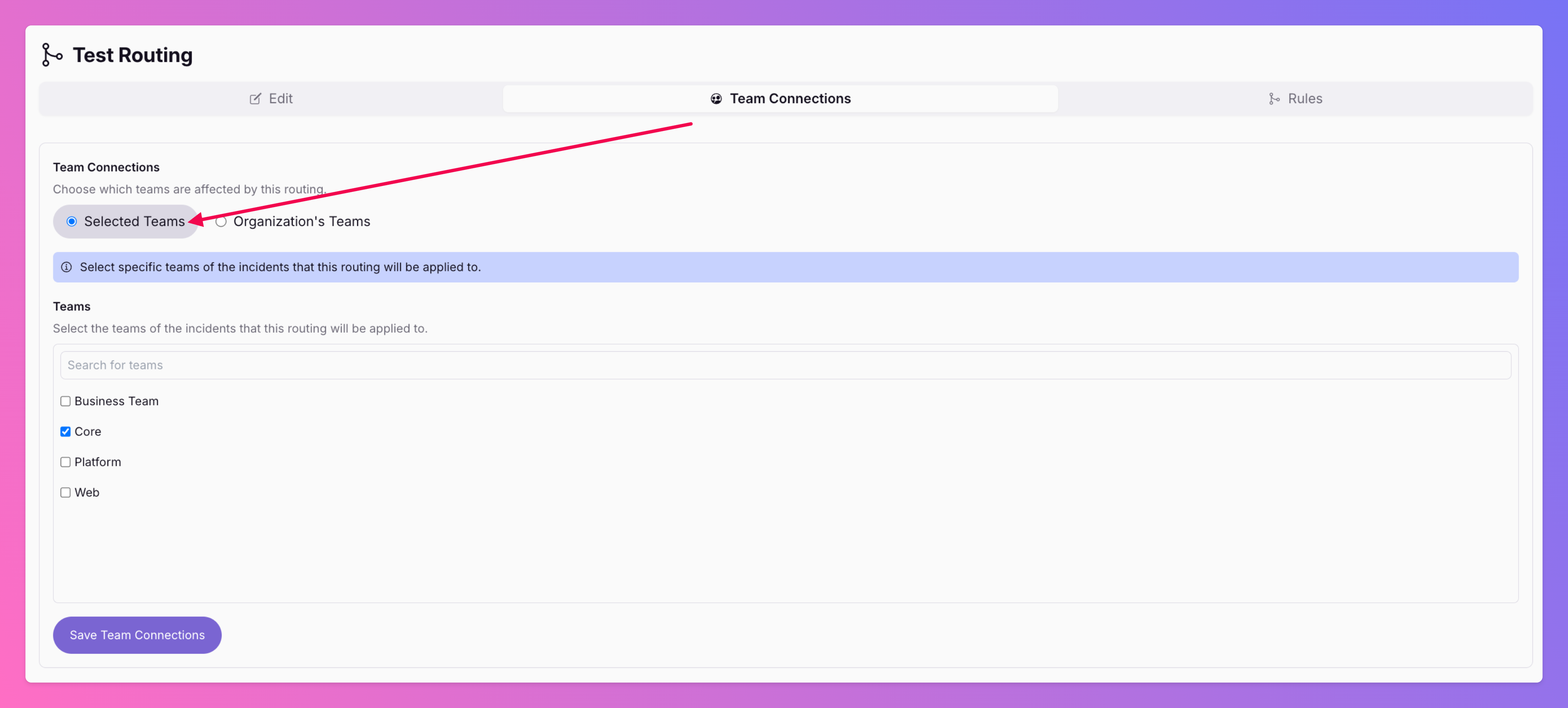
🎉 We've improved our advanced routing ! Share Routings with other Teams: Pro and Enterprise plan organizations can now share routings between different teams. This reduces redundancy and improves transparency.
-
Auto-Connect Incidents with Status Pages
Incident management is tough. Why make it harder by updating status pages manually? Many teams still rely on spreadsheets, scattered chat threads, and manual updates to keep stakeholders informed during incidents.
Published