

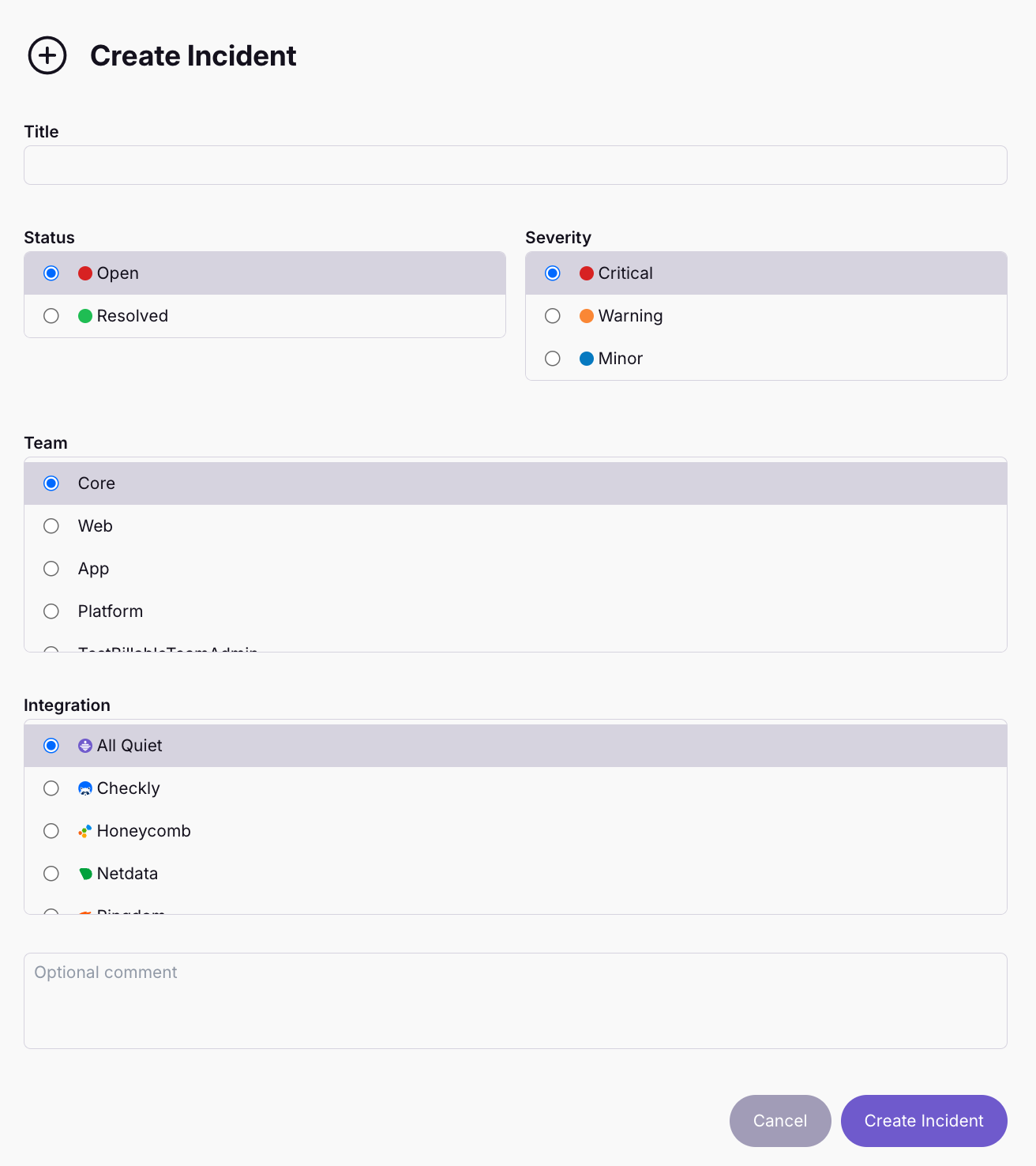
🆕 Manually Create Incidents
🤔 Sometimes, you know there's something wrong but your observability tools are silent. For these cases, we added the option to manually create incidents in All Quiet.
Published: Tuesday, 08 October 2024
🤔 Sometimes, you know there's something wrong but your observability tools are silent. For these cases, we added the option to manually create incidents in All Quiet.
Simply open the Incident Overview and create a new incident if necessary.
Manually created incidents have the same functionalities as automatically created incidents. Creating an incident will alert your on-call team members and you can perform all types of actions, like pre-defining workflows and routing rules for manually created incidents.
More: https://docs.allquiet.app/essentials/incident#manually-create-an-incident
More updates
-
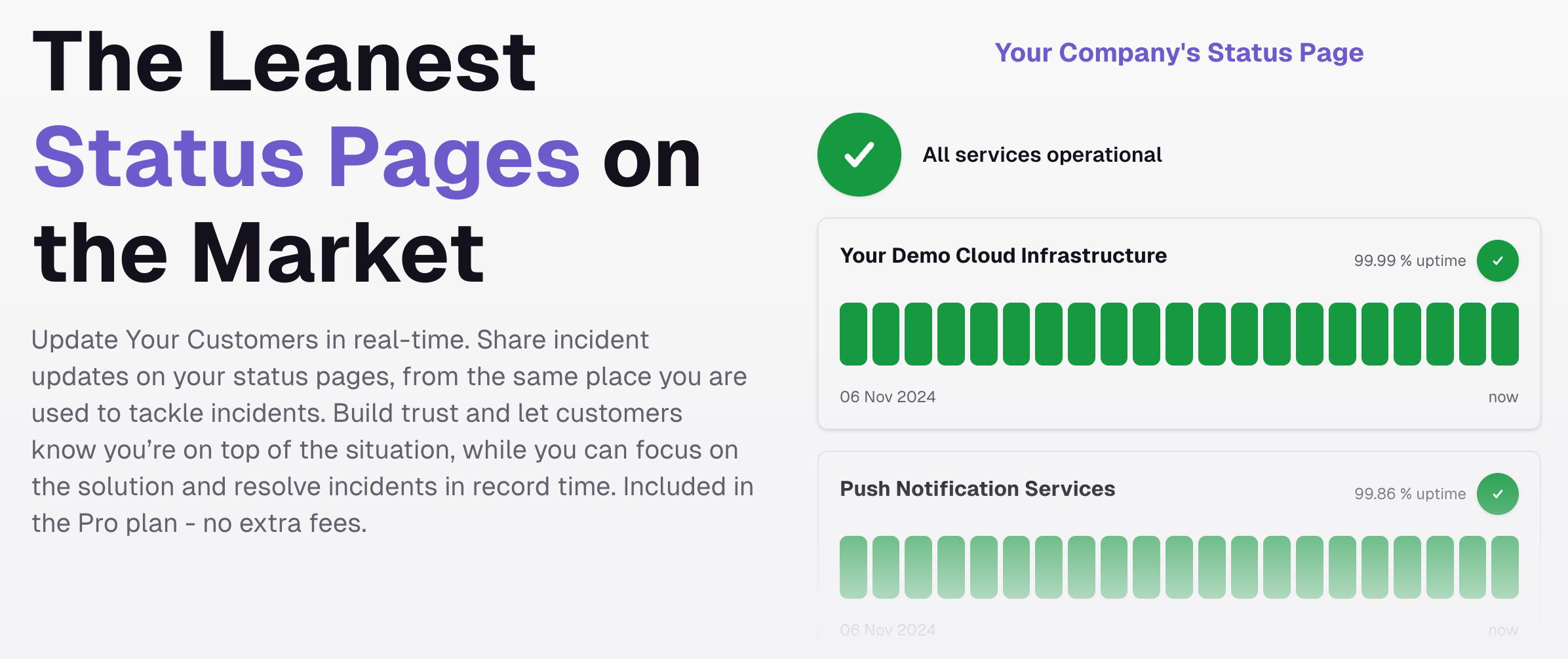
🆕 - Status Pages
We just released the leanest Status pages on the market. Update your customers in real-time, whether it's to show your uptime, or if something is going wrong.
-
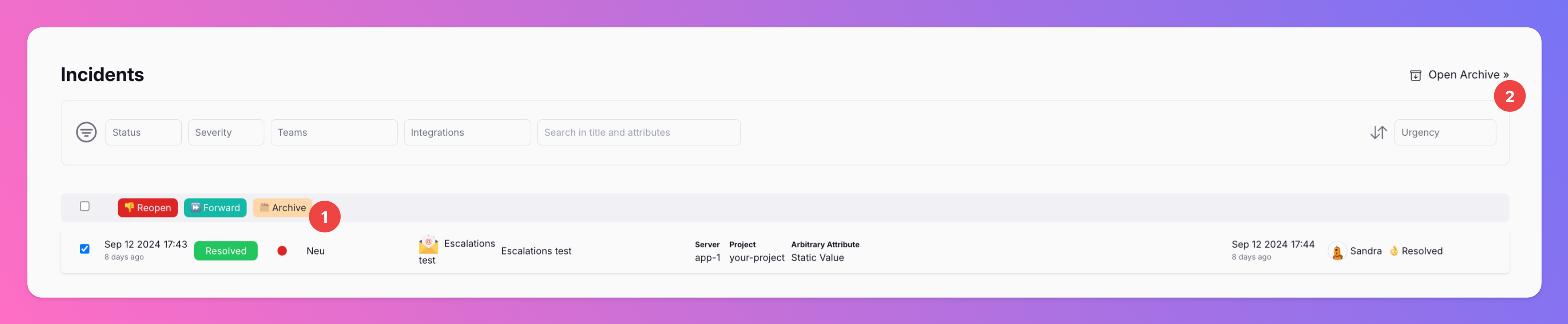
New \\\\
If you want to clean up your incidents overview, you can now archive incidents. Archiving incidents does not change their resolution state, only moves them from the incidents overview to the archive.
Published