

Filter Slack Channels For Incident Severity
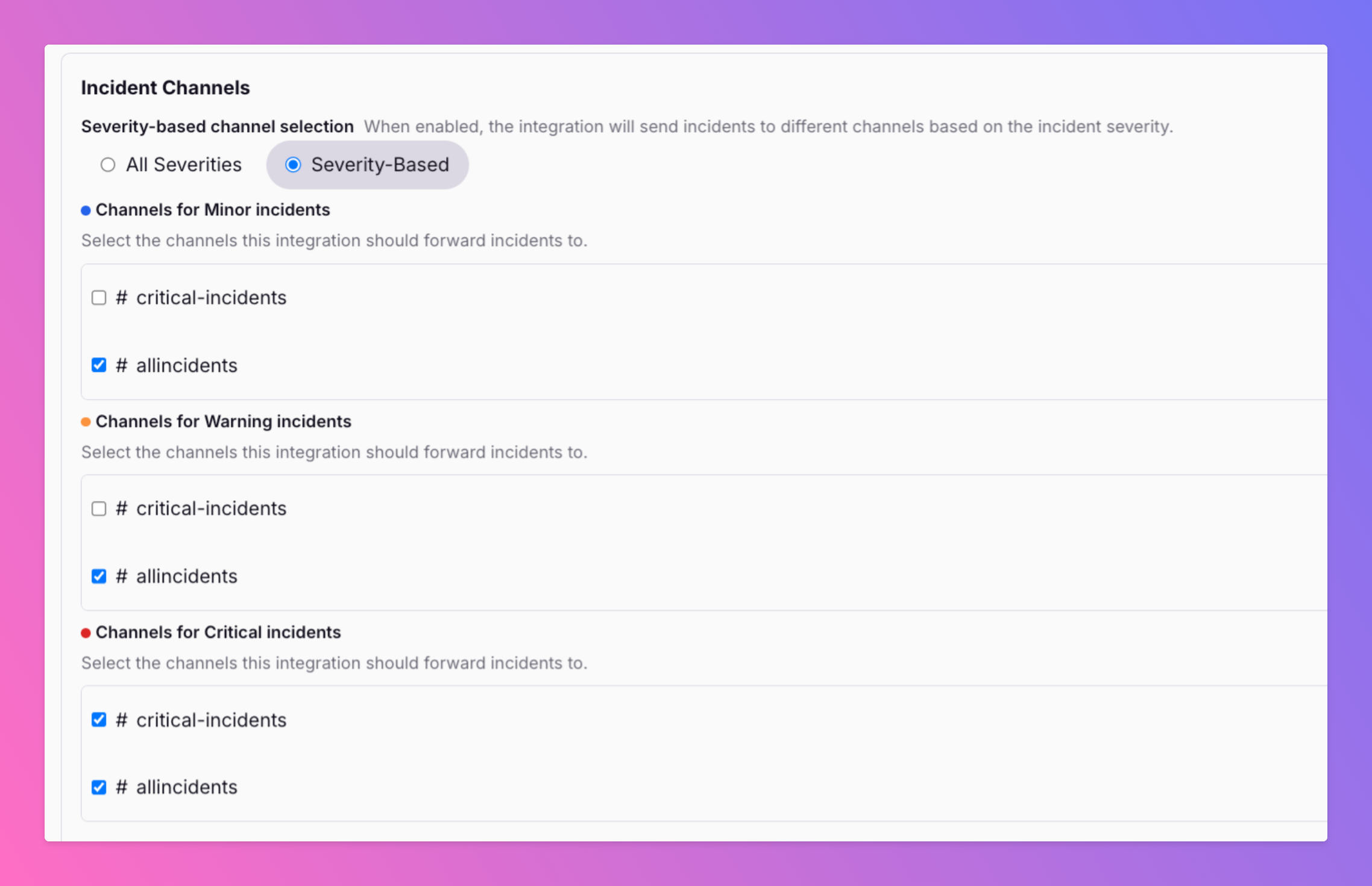
🚨 Not every incident deserves a fire alarm in every Slack channel. A critical outage hits — your #oncall and #engineering-alerts channels need to know now .
Published: Thursday, 22 May 2025
🚨 Not every incident deserves a fire alarm in every Slack channel.
Imagine:
A critical outage hits — your #oncall and #engineering-alerts channels need to know now.
But for a low-severity bug, do your execs in #company-all really need the ping?Now you can route incident alerts in Slack based on severity.
With our new filtering feature, you decide:
Only send critical issues to high-priority channels
Keep low-severity incidents focused to relevant teams
Avoid alert fatigue and improve signal-to-noise
🎯 More control. Less chaos. Smarter incident communication.
Ready to clean up your Slack? https://docs.allquiet.app/integrations/outbound/slack#add-all-quiet-app-for-slack-to-your-workspace
#incidentmanagement #slackintegration #devops #productupdate
More updates
-
New: Snooze Incidents while you work on them
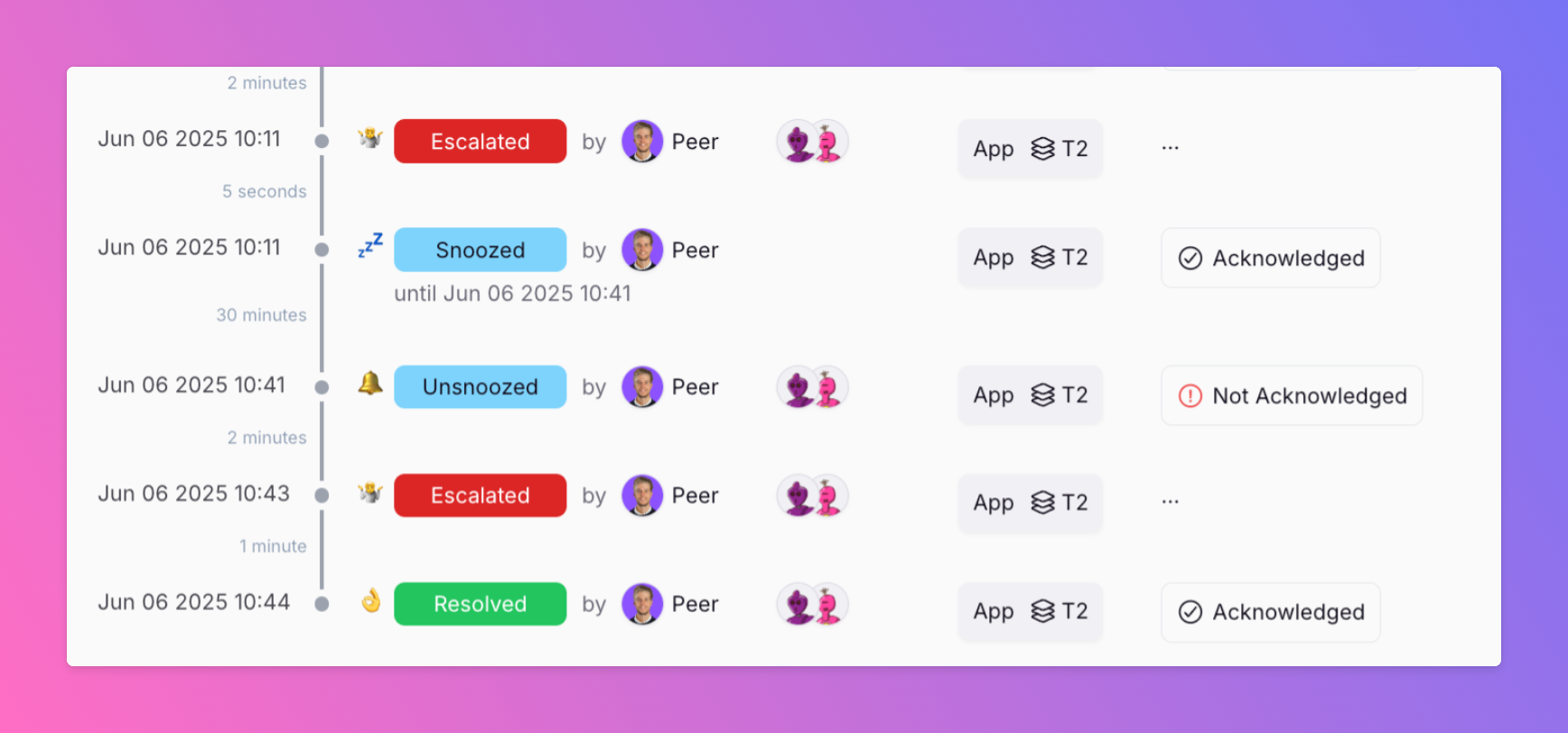
Ever had an incident where alerts kept escalating while you were already on it? Distracting. Unnecessary. We just shipped a small but mighty feature: manual snoozing for incidents.
-
Native Integration with Dash0
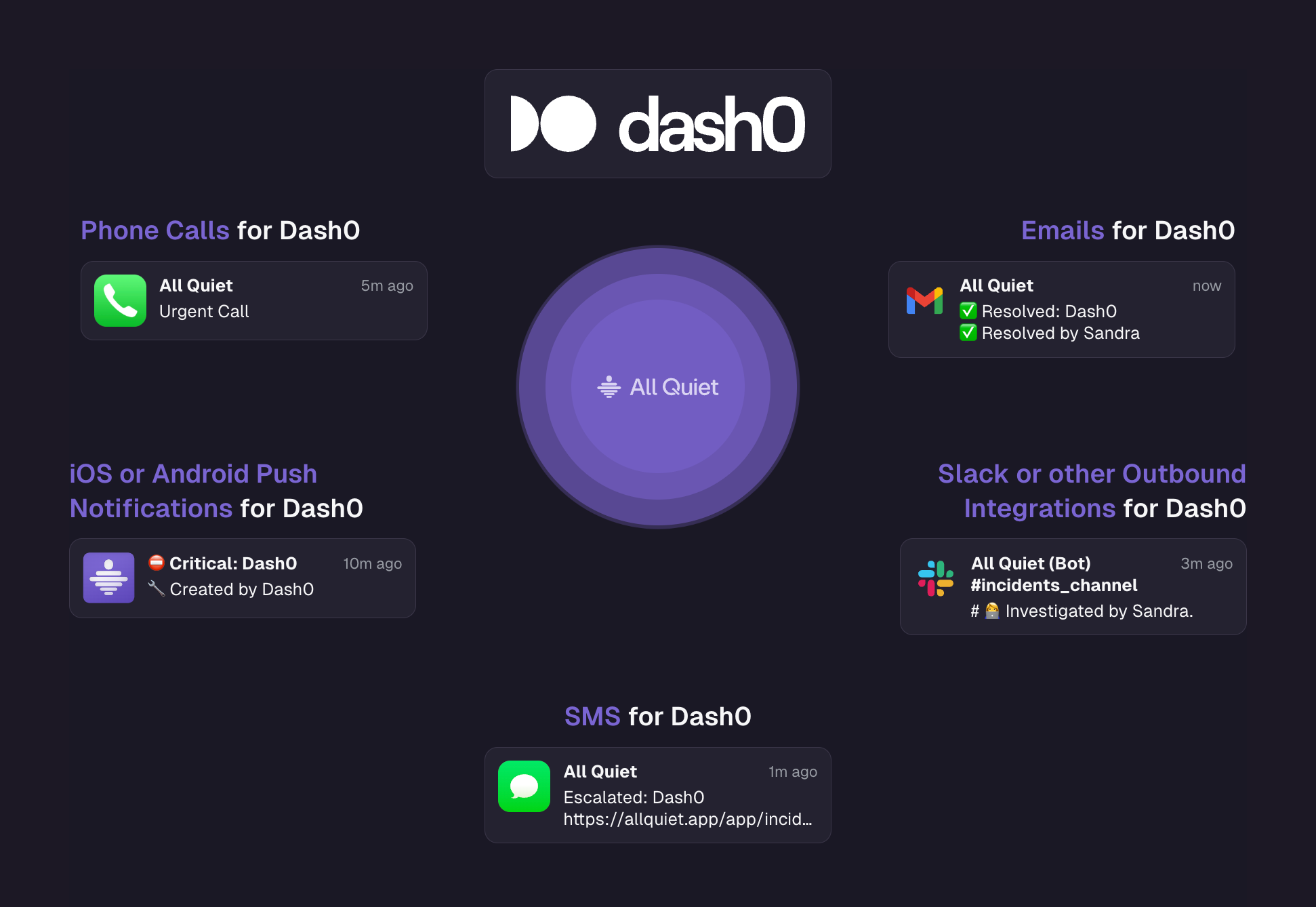
Dash0 The first full OpenTelemetry-Native Observability tool. We're super excited about our new native integration.
Published