

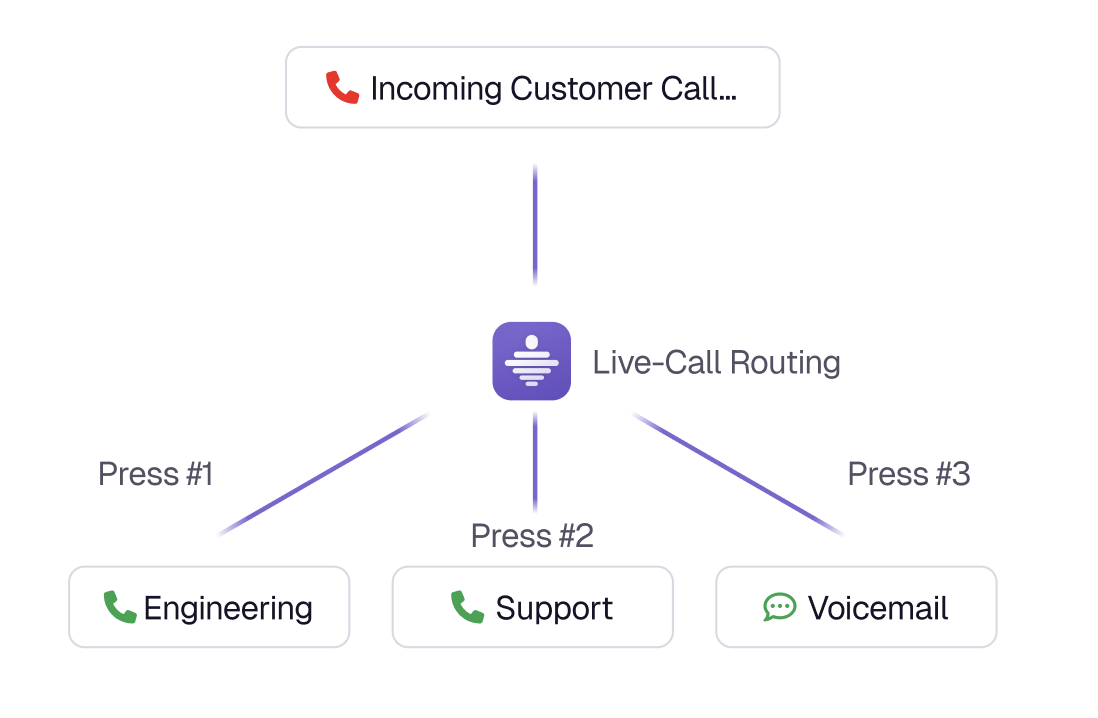
Live Call Routing with Twilio Integration
Route inbound hotline calls to your on-call team with zero telephony markup. Connect your Twilio number, configure IVR menus and escalation-aware dialing, and turn accepted calls and voicemails into incidents. Available in our Terraform provider from version 3.0.2.
Published: Tuesday, 09 June 2026
Your incident hotline can now follow the same on-call logic as the rest of All Quiet. Live Call Routing connects inbound phone calls to the engineers currently on shift, with optional IVR menus, voicemail-to-incident, caller allow and block lists, and full call logging. There is no telephony markup: you bring your own number and pay your provider directly.
Available on Pro and Enterprise plans. Learn more on the Live Call Routing product page.
Bring your own Twilio number
Live Call Routing uses a Bring Your Own Number (BYON) model. You keep (or buy) a two-way Twilio phone number, connect it to All Quiet with your Account SID and Auth Token, and All Quiet becomes the routing brain behind the line.
The step-by-step setup is in our Twilio integration guide:
- Buy a two-way voice number in the region you plan to route to
- Create a Call Routing Number in All Quiet and enter your Twilio credentials
- Confirm the green connection checkmark, then configure routing on the Call Routing tab
Once connected, configure how calls are handled in the Live Call Routing documentation.
What you can configure
- On-call-aware dialing that follows your team's schedules and escalation tiers (one responder at a time, no wait between tiers)
- Keypad IVR menus to route callers to different teams or voicemail paths
- Caller allow and block lists to permit only approved numbers or block known nuisance callers (rejected calls log as Blocklisted)
- Voicemail and accept-call flows with optional transcription attached to incidents
- Call Logs and Call Stats for auditing outcomes, dial attempts, and volume trends
- Automatic incident creation when a call is accepted or a voicemail is left
Terraform Provider 3.0.2
Live Call Routing and the Twilio Call Routing Number integration are available in All Quiet Terraform Provider 3.0.2.
The allquiet_integration resource now supports an integration_settings.twilio schema.
Use this schema to manage call routing numbers, Twilio credentials, and call flow configuration as code alongside the rest of your incident stack.
See the allquiet_integration terraform documentation for resource details.
Get started
- Connect Twilio to All Quiet
- Configure Live Call Routing
- Optional: provision the same setup with Terraform Provider 3.0.2
More updates
-
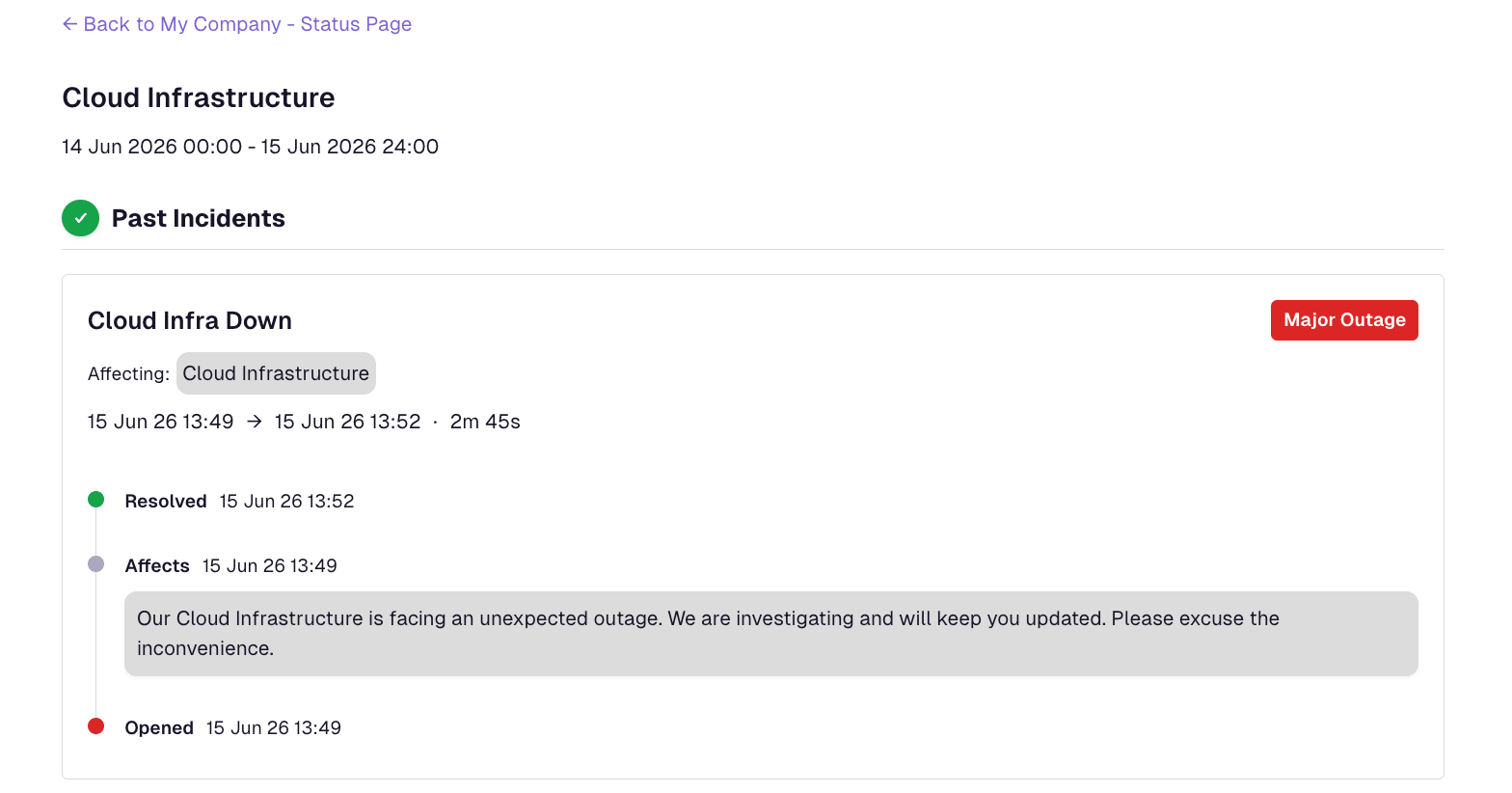
Status Pages: Public Incident History
Past incidents and past maintenances no longer appear on the main Status Page. Visitors now open incident history pages by clicking a time interval on a Service's status graph.
-
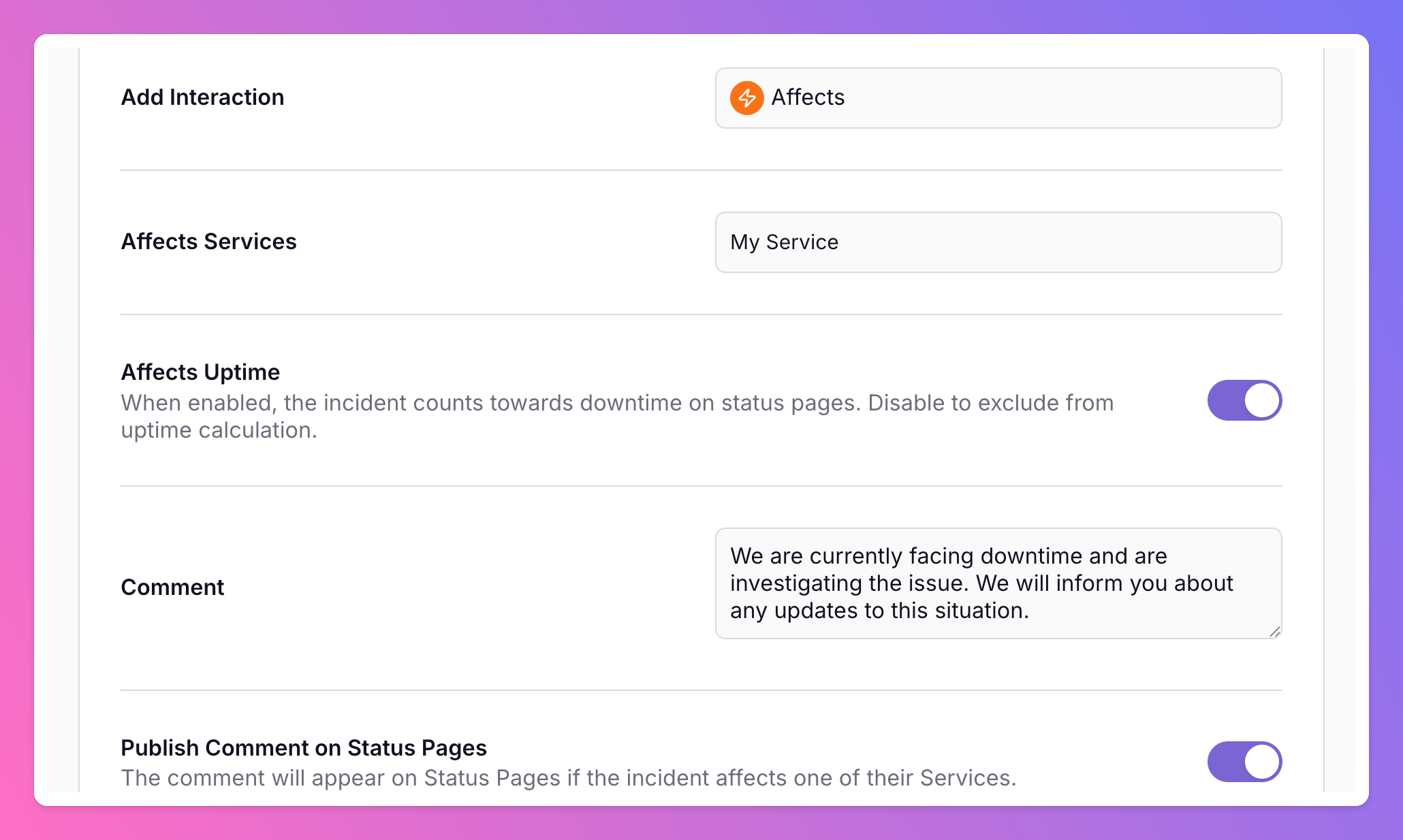
Affects Uptime Toggle and Routing Rule Comments
Control whether incidents count toward status page uptime when you affect services manually or via routing rules. Routing rules also support comments on more interactions, a dedicated Comment action, and optional status page publishing.
Published