

Perspectives
NewThe 5 Biggest Outages of 2026 So Far: What Broke, Why and What Incident Teams Can Learn
Quick answer
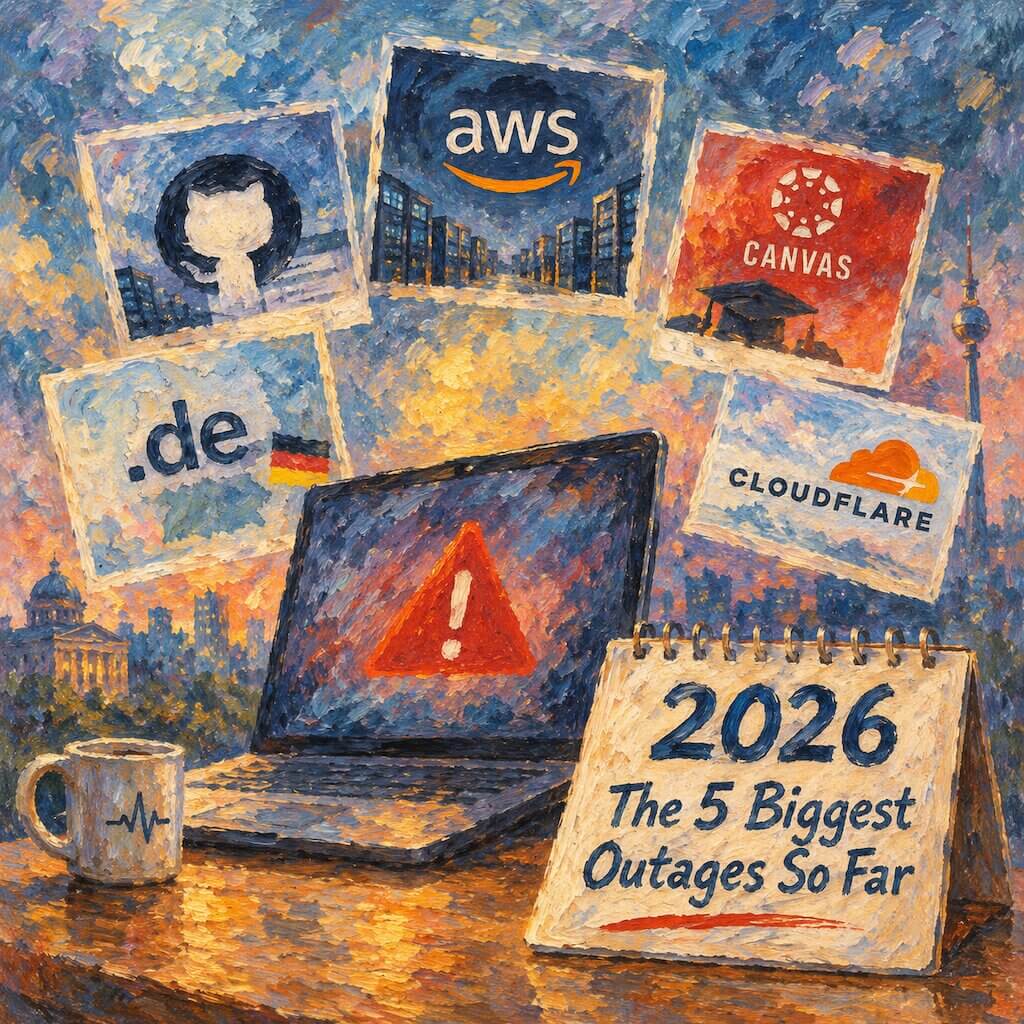
The biggest outages of 2026 so far are a cooling failure that took one AWS US East 1 data center offline for more than 20 hours, a GitHub repair job that wiped about 1.8 billion pull requests from search for nearly three days, a DNSSEC error that made Germany’s .de domains unresolvable, a Cloudflare cleanup job that withdrew a quarter of its customers’ BYOIP prefixes and a security incident that forced Canvas offline for an evening during final exams. Each failed in a different way, and each has a lesson for incident teams.
AWS, GitHub, DENIC, Cloudflare and Canvas: the five biggest outages of 2026 so far, what broke, why, and what incident teams can learn from each.

By Christine Feeney · Incident Management & SRE Technical Writer

Reviewed by Maximilian Beller · Co-Founder & CTO at All Quiet
Updated: Thursday, November 19, 2026
Published: Thursday, November 19, 2026
If you’ve been anywhere near an on-call rota this year, you already know that 2026 has been unusually busy. 2025 had its fair share of outages… and 2026 doesn’t look any better so far.
Cloud platforms, developer tools, education systems, national DNS infrastructure and global networks have all had their moment to shine. Some were long, some were short. What they all share is the same thing every incident teaches us: there’s always something to learn, and those lessons usually come from the nitty gritty details.
So, let’s understand each failure, its character, its root cause and its ripple effect. Each one highlights a different part of incident response, from monitoring and automation to communication and resilience. Let’s walk through them one by one and see what they can teach us.
At a Glance
| Outage | Date | Duration | Root cause | One line lesson |
|---|---|---|---|---|
| AWS US East 1 cooling failure | 7 to 8 May | 20+ hours | Cooling failure in one data center | Run across zones and make sure your alerting and status page do not depend on the zone that fails |
| GitHub PR index deletion | 28 April to 1 May | ~62 hours | Repair job run without safety flags | Monitor for data completeness, not just uptime |
| DENIC .de DNSSEC failure | 5 May | ~3 hours | DNSSEC key rollover bug | Alerts nobody owns are the same as no alerts |
| Cloudflare BYOIP withdrawal | 20 February | 6 hours 7 minutes | Cleanup job interpreted empty value as all prefixes | Automation needs a circuit breaker and empty must never mean everything |
| Canvas security incident | 7 May | ~7 hours offline (incident first detected 29 April) | Security incident; platform taken offline to contain it | A security incident is also an availability incident, and communication is part of the response |
The Outages
1. AWS US East 1 Cooling Failure
What happened
On 7th May, a cooling failure hit a single data center inside one availability zone in US East 1, specifically use1-az4. When cooling systems give up, hardware doesn’t just soldier on like a hero. It shuts down to avoid cooking alive, which is exactly what happened here. Servers shut down and lost power, and AWS shifted traffic away from the affected zone.
The important thing to note is that this wasn’t a region-wide failure but a zone failure. The region stayed up while the zone face-planted; a distinction that matters because plenty of workloads claim to be multi-zone until a day like this happens that reveals that they are, in fact, very much not.
Who was affected
Anyone who had workloads pinned to use1-az4 had a rough time. EC2 instances and EBS volumes in that zone were impaired, so anything that ran only there went down with it. AWS advised affected customers to launch replacement capacity in the unaffected zones or restore from EBS snapshots.
This outage revealed how many systems aren’t as multi-zone as their architecture diagrams claim to be.
Why it happened
Cooling failed and hardware shut down, so AWS shifted traffic to the remaining zones who absorbed what they could. Recovery took longer than AWS first expected: cooling wasn’t back to normal levels until the afternoon of 8 May, and some instances stayed impaired after that. AWS posted the sequence of events on its health dashboard as it went, but at the time of writing it hasn’t published a full post-event summary.
What incident teams can learn
If your workload only runs in one zone, you’re betting your uptime on that zone. It’s as simple as that, and slightly uncomfortable. The best thing to do is run across zones, test your failover and make sure your alerting and status pages don’t depend on the zone that fails.
All Quiet’s US region runs across three availability zones in US East 1, so the loss of a single zone on 7 May didn’t affect our customers.
2. GitHub Pull Request Index Loss
What happened
Between 28th April and 1st May, GitHub ran a repair job meant to tidy up part of its pull request search index. The job was supposed to run with safety flags that prevent destructive operations, but those flags weren’t set, so around 1.79 billion pull requests vanished from search. In other words, roughly half the index evaporated in one go.
The pull requests themselves were still present and the underlying data intact but the search couldn’t find them, which for developers is indistinguishable from the data being gone.
Who was affected
Anyone who used pull request search or the /pulls pages. GitHub first heard from users that pull requests were missing from search results across global and repository /pulls pages, and teams that used search to navigate their workflows suddenly had to scroll through lists manually. And that’s nobody’s idea of a good time.
Why it happened
Monitoring essentially checked whether the service was up but not whether the data was complete. According to GitHub’s postmortem, internal monitoring didn’t detect the missing entries since the server was continuing to respond normally. Users actually noticed the missing data before GitHub did.
What incident teams can learn
Uptime and correctness are two very different beasts. A service can be up and still be wrong. If your monitoring only checks if something responds, you’ll miss the moments when it responds with incomplete or corrupted data. And most importantly: users should never be the ones to discover that half your index is missing.
3. DENIC .de DNSSEC Failure
What happened
On 5th May, a DNSSEC key rollover bug made .de domains unresolvable for validating resolvers. For a few hours, Germany’s top level domain effectively disappeared into thin air for anyone using DNSSEC validation. It sounds small until you remember how many services rely on .de domains.
Who was affected
Anyone trying to reach a DNSSEC-signed .de domain through a validating resolver, inside Germany or not. Some resolver operators temporarily switched off DNSSEC validation for .de to keep domains reachable. For such a short outage, the blast radius was miles wide.
Why it happened
Three monitoring tools flagged the issue and nobody acted. Alerts existed and no one owned them. DENIC’s postmortem explains that the signals were present but the response wasn’t; a classic example of monitoring without ownership.
What incident teams can learn
Alerts nobody owns are the same as no alerts at all; monitoring will only get you so far if no one is responding. If your alerts fire and no one takes responsibility for them, you don’t have monitoring, you just have noise. That’s what an escalation policy is for: every alert has an owner, and if the owner doesn’t answer, someone else gets the call.
4. Cloudflare BYOIP Prefix Withdrawal
What happened
On 20th February, Cloudflare ran a cleanup job intended to remove unused BYOIP prefixes. The job interpreted an empty value as all prefixes, and withdrew about 25% of Cloudflare’s BYOIP prefixes. Routes vanished and connections timed out.
Cloudflare’s network is large enough that withdrawing a quarter of BYOIP prefixes has immediately noticeable effects. Routing changes ripple quickly and customers saw the impact almost straight away.
Who was affected
Customers who bring their own IP addresses (BYOIP) to Cloudflare. Some services became unreachable, while others saw higher latency and failures even after their prefixes were advertised again.
Why it happened
Automation ran without a circuit breaker and an empty parameter was treated as everything. Cloudflare’s postmortem explains the logic error quite clearly and outlines the steps they took to prevent similar issues from happening again in the future.
What incident teams can learn
Automation needs guardrails. Empty should never mean all, and if you rely heavily on automation, you need a way to stop it when something looks wrong. Automation is powerful but it can very easily amplify mistakes.
5. Canvas Security Incident
What happened
Instructure detected unauthorized activity in Canvas on 29th April, revoked the attacker’s access and brought in outside forensic experts. On 7th May, the same attacker got back in through a second vulnerability, so Instructure took Canvas offline into maintenance mode to contain it. The outage itself was short: Canvas was back for most users late that evening (US time), and Instructure confirmed on 8th May that it was fully operational. Unfortunately for everyone involved, it happened during final exams, which made the outage that much worse since students couldn’t access coursework.
Canvas is a core part of academic infrastructure for many institutions, so taking it offline was no casual decision, especially during exam time. It’s the kind of move you only make when you absolutely need to isolate a system to protect data.
Who was affected
Students, instructors and the institutions that run their teaching on Canvas. For most users the outage lasted a single evening, but it landed in final exam week, and some universities kept access blocked for longer while they checked their own exposure. It’s the shortest outage on this list, and still one of the most visible.
Why it happened
A security incident required isolation and investigation. To understand the problem and protect data, Instructure took Canvas offline, sacrificing availability to contain the security breach. The company then published updates explaining that the outage was part of the response to the incident, not a separate failure in itself.
What incident teams can learn
A security incident = an availability incident. Customers experience downtime regardless of the root cause, and communication is part of the response. If you don’t tell customers what’s going on, how do you expect them to trust you? They’ll end up filling in the gaps themselves and you’ll be left with a much bigger mess than you started with.
Five Outages, Five Lessons
If you look across all five outages, the pattern is clear: each one failed in a unique way but the lessons line up neatly. Incident teams need alerts someone owns. They need on-call rotation that reaches people and a status page that doesn’t share fate with their own stack. They need postmortems with action items rather than just a timeline, and they need resilience that spans zones, providers and automation layers.
FAQs
What was the biggest outage of 2026?
It depends on how you measure “biggest.” GitHub’s ran longest: search was missing about half of its pull requests for roughly 62 hours. AWS hit hardest: a single zone in US East 1 was down for most of a day and took every single-zone workload with it. DENIC’s had the widest national reach: for about three hours, DNSSEC-signed .de domains were unreachable for validating resolvers. Canvas was offline for only an evening, but because it happened during final exams, it was one of the most noticed.
What caused the AWS outage in 2026?
The AWS outage was caused by a cooling failure inside one data center in the use1-az4 availability zone, which triggered automatic hardware shutdown to prevent damage. Once servers lost power, AWS shifted traffic to the remaining zones in US East 1, which were not affected. Recovery took longer than AWS first expected, and some instances stayed impaired after cooling was restored. AWS posted updates on its health dashboard throughout, though it hasn’t yet published a full post-event summary. The key point is that this was a zone outage, not a region outage, but it still affected anyone who had quietly built single zone dependencies.
How do you prepare your team for a cloud outage?
The best preparation starts with running workloads across multiple zones so you are not betting your uptime on a single data center. You also need to test your failover regularly, because a failover plan that has never been exercised is just a very confident piece of documentation. Alerts must reach actual humans, not muted channels, and your status page should live somewhere that does not collapse when your stack does. Communication plans matter too, because customers will always handle outages better when they know what is happening. Finally, every incident should end with a postmortem that includes action items with owners, so your team gets stronger instead of just tired.
What should a postmortem include?
A good postmortem starts with a clear timeline that explains what happened, when it was detected and how customers were affected. It should include the root cause and any contributing factors, because outages rarely come from a single mistake. Customer impact needs to be described honestly, since that’s the part stakeholders care about most. You should also capture what went well, because even messy incidents have moments worth repeating. Most importantly, every postmortem needs action items with owners, otherwise it becomes a story instead of a tool for preventing the next outage. Here’s a postmortem template to start from.
Sources Checked
- AWS Health Dashboard, Amazon Web Services, checked 19 November 2026
- Incomplete pull request results in repositories, GitHub, checked 19 November 2026
- Security Incident Update, Instructure, checked 19 November 2026
- Canvas is back online, but questions and final exam disruptions linger, NPR (via OPB), checked 20 November 2026
- Final Report: DNS Outage of 5 May 2026, DENIC, checked 19 November 2026
- Cloudflare outage on February 20, 2026, Cloudflare, checked 19 November 2026
Author
Incident Management & SRE Technical Writer
Technical writer focused on incident management and SRE; writes practical guides on on-call scheduling, integrations, and faster incident resolution, pairing technical depth with clear prose.
Reviewer
Co-Founder & CTO at All Quiet
Engineering leader building incident management systems focused on reliability, clear escalation, and sustainable on-call operations for production teams.

Read all blog posts and learn about what's happening at All Quiet.
Published